I accidentally deleted several video clips from my SD card before backing them up, and I really need to recover them. The footage is important, and I’m looking for the best SD card video recovery method or software that works for recently deleted files.
I lost a clip once from a trip, and the first mistake I almost made was shooting more footage on the same card. If you deleted a video, the biggest thing is speed and restraint. Stop touching the card.
What usually happens is simple. The video data often stays where it is for a while. The card marks the space as free, then new recordings start taking pieces of it. If nothing new lands there yet, your odds are still decent.
First thing, stop using the card
Do these before anything else:
Stop recording.
Do not shoot photos.
Do not format the card.
Take it out of the camera.
I keep repeating this because people ruin their own recovery here. They delete a file, keep filming, then wonder why the scan turns up scraps.
Make sure the computer still sees it
Put the card in a reader and connect it to your computer.
If Windows says the card needs formatting, or shows it as RAW, don't panic yet. I’ve seen cards in worse shape still scan fine. What matters first is whether the device appears at all.
If the card does not show up anywhere, I would stop there. Replugging it ten times rarely fixes anything. At that point, a recovery shop starts making more sense.
Start with software
For deleted video files, I’d begin with Disk Drill.
The reason is its Advanced Camera Recovery mode. A lot of cameras do not save long videos in one neat block. They scatter pieces of the file across the card. I ran into this with action cam footage, and regular file recovery pulled chunks but not a clean playable result.
This mode is built for fragmented camera video. It tries to piece those parts back together into something watchable. From what I’ve seen, it helps with footage from GoPro, DJI, Sony, Canon, Nikon, Fujifilm, Insta360, dashcams, and similar gear.
Basic steps
Connect the card with a card reader.
Open Disk Drill.
Pick the memory card.
Choose Advanced Camera Recovery.
Run the scan.
Preview what it finds.
Save recovered videos to another drive.
Do not write recovered files back onto the same card. I did this years ago with photos. Bad idea.
If one tool misses stuff, try another
No single scanner gets everything. I’ve had one app miss files and another pull them up on the same card.
PhotoRec is free and useful, but it often dumps files without the original names or folder layout.
R-Studio goes deeper and gives you more control, though the interface feels a bit dense at first.
DiskGenius is worth a shot when the card looks corrupted or the partition info is messed up.
Different tools scan in different ways. If the first result looks thin, a second pass with another program is worth your time.
Create an image first if the footage matters
If the files matter a lot, work from a full image of the card first.
This means making a byte-for-byte copy of the whole storage device. Then you scan the copy instead of poking the original card over and over. I’ve seen people skip this step, then regret it after a flaky card starts dropping out.
It’s standard practice for a reason. You preserve the current state and get multiple chances to test different recovery tools.
Know when to stop and send it out
Software recovery tends to work best for logical problems like these:
Deleted videos.
Accidental formatting.
File system corruption.
RAW card issues.
Missing files on a card the computer still detects.
A pro recovery service is the safer route in cases like these:
The card is bent, cracked, or physically damaged.
It gets hot for no clear reason.
Your computer does not detect it at all.
It keeps disconnecting during a scan.
The footage matters enough where guessing is too risky.
If you’re in one of those situations, more home attempts might make things worse. I’d stop before the card gets stressed any further.
1 Like
If the clips were deleted recently, your best shot is file carving plus a full image of the card first. I agree with @mikeappsreviewer on stopping use right away. I do disagree on one point though. If the card still mounts cleanly, I prefer cloning it before running any recovery app at all. SD cards fail mid-scan more often than people think.
My order would be:
- Put the SD card in a good USB card reader.
- Make a byte copy of the whole card with something like USB Image Tool, Win32 Disk Imager, or dd.
- Run recovery tools against the image, not the card.
- Recover to your SSD or hard drive, never back to the SD card.
For software, Disk Drill is a solid first pick for deleted video recovery on SD cards, esp if the clips came from a camera or drone and the file system entries are gone. If Disk Drill misses some files, switch tactics and use PhotoRec on the image. PhotoRec is ugly, but it often pulls raw MP4 and MOV data other tools skip. The catch is filenames and folder structure are usally gone.
One more thing people miss. Many cameras split long clips into chunks, like 4GB segments on FAT32 cards. So if one recovered file looks broken, check if the video was originally spaned across multiple files.
If the card drops connection, asks to be reformatted over and over, or reads at 0 bytes, stop DIY. That is where a lab makes more sense.
Also, this is a decent quick watch on memory card video recovery from social clips, Instagram Reel on memory card video recovery tips.
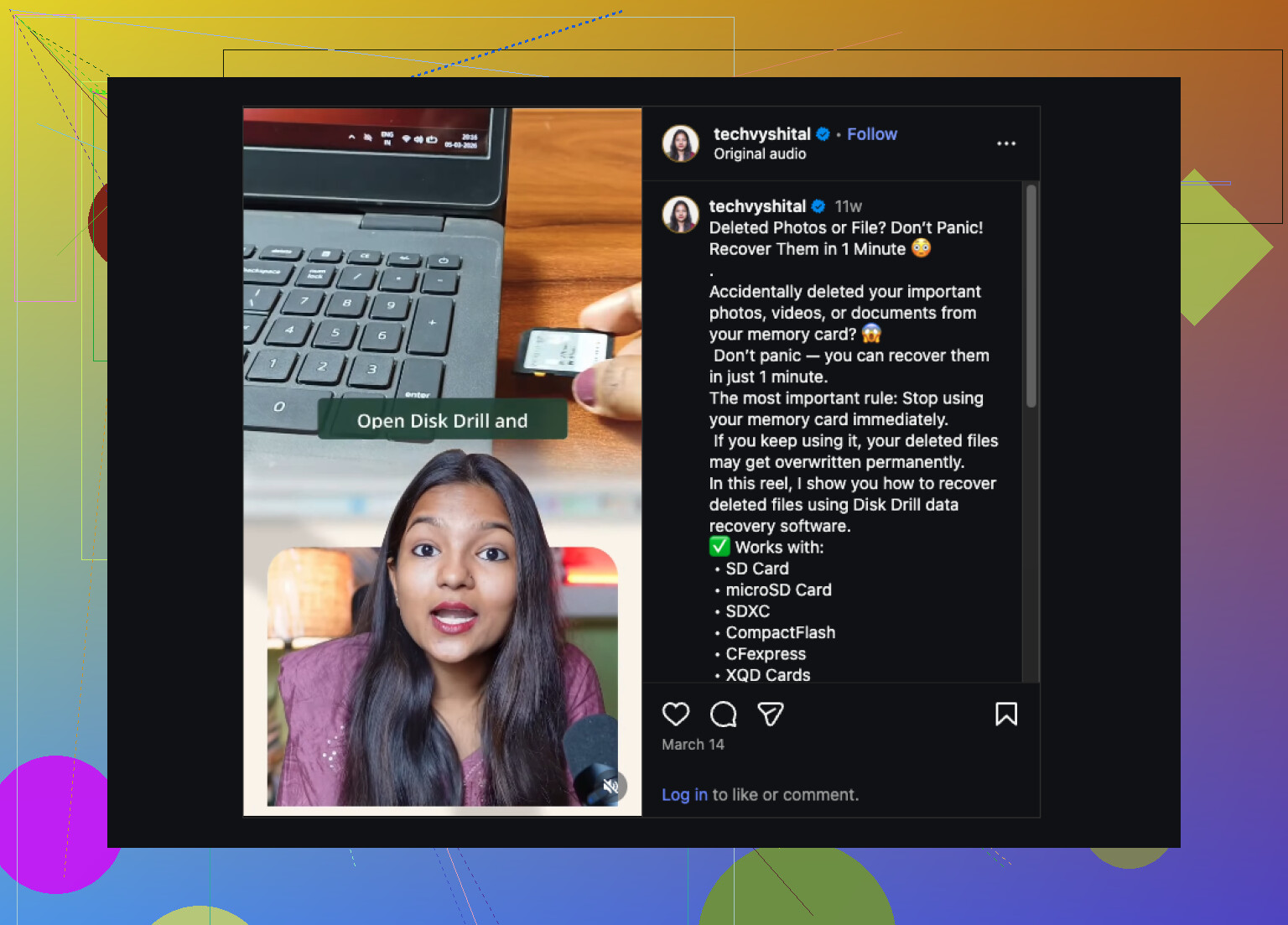
I’d do one thing a little differently than @mikeappsreviewer and @sterrenkijker. Before going straight into a full deep scan marathon, check whether your camera created sidecar metadata or thumbnail/cache files on the card. Sometimes recovery apps can use those clues to identify exact clip boundaries, especially with action cams and mirrorless bodies. It’s not magic, but it can help sort recovered MP4/MOV files faster.
Also, don’t assume “recently deleted” always means “fully recoverable.” If the camera has background housekeeping stuff like proxy generation or database rebuilds, parts of the deleted clips may already be overwritten even if you didn’t record new video. Annoying, but true.
For actual software, Disk Drill is still one of the better first tries for SD card video recovery because it handles deleted media pretty cleanly and has camera-focused recovery options. If it finds the clips, export them to a different drive and test playback in VLC before doing anything else. If previews fail, try recovering the same files in raw form with another tool after that, not before.
One more tip people skip: recover everything, even weird tiny files. Some editors can rebuild damaged video if the moov atom or header info got separated. I’ve seen “corrupted” clips become playable after remuxing.
If you want more practical SD card video recovery advice from real users, that thread is worth reading too.
If the card is acting flaky, stops mounting, or gets hot, stop messing with it. At that point DIY can make it worse realy fast.