I accidentally used Shift + Delete on important files stored on my hard drive, so they skipped the Recycle Bin and disappeared right away. I’m trying to recover deleted files from a hard drive without making things worse and need advice on the safest recovery steps or software that actually works.
Take a breath first. I know the stomach-drop feeling when files vanish, especially the ones you needed today. Still, on a hard drive, deleted does not always mean erased. If you move fast and keep your hands off the drive, your odds are still decent.
Stop using the drive right away
This part matters more than anything else. The moment I noticed files were gone, I stopped saving, stopped installing stuff, stopped doing random clicks on the machine.
When you delete a file, Windows or macOS usually marks the space as free. The old data often stays there until new data lands on top of it. So every download, every browser cache write, every copied photo is a risk. If the missing files were on your main system drive, even normal use works against you. Stop. For real.
Figure out which drive lost the files
- External drive or second internal drive
This is the easier case. Unplug it, hook it to another computer, then scan it there. You avoid extra writes and you keep the original drive in a safer state. - Your main OS drive
This one is messier. I would boot from a USB or connect the drive to another machine before doing recovery work. The goal is the same, keep new data off the original disk.
Run recovery software, and do it on a different drive
Once the drive is out of active use, get a recovery tool on another disk and scan the problem drive. Timing matters here. The longer you wait, the more chances the old file data gets overwritten.
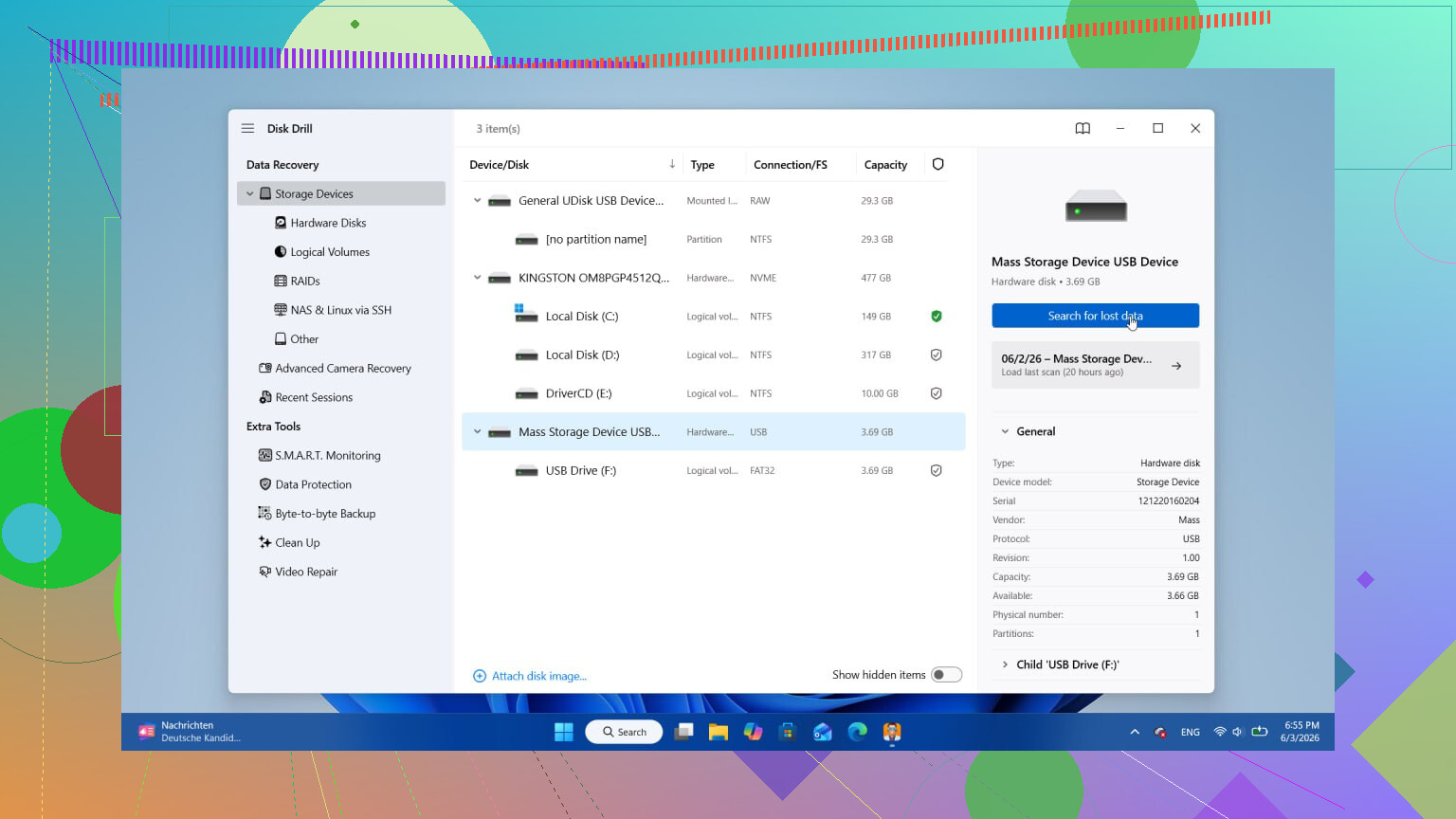
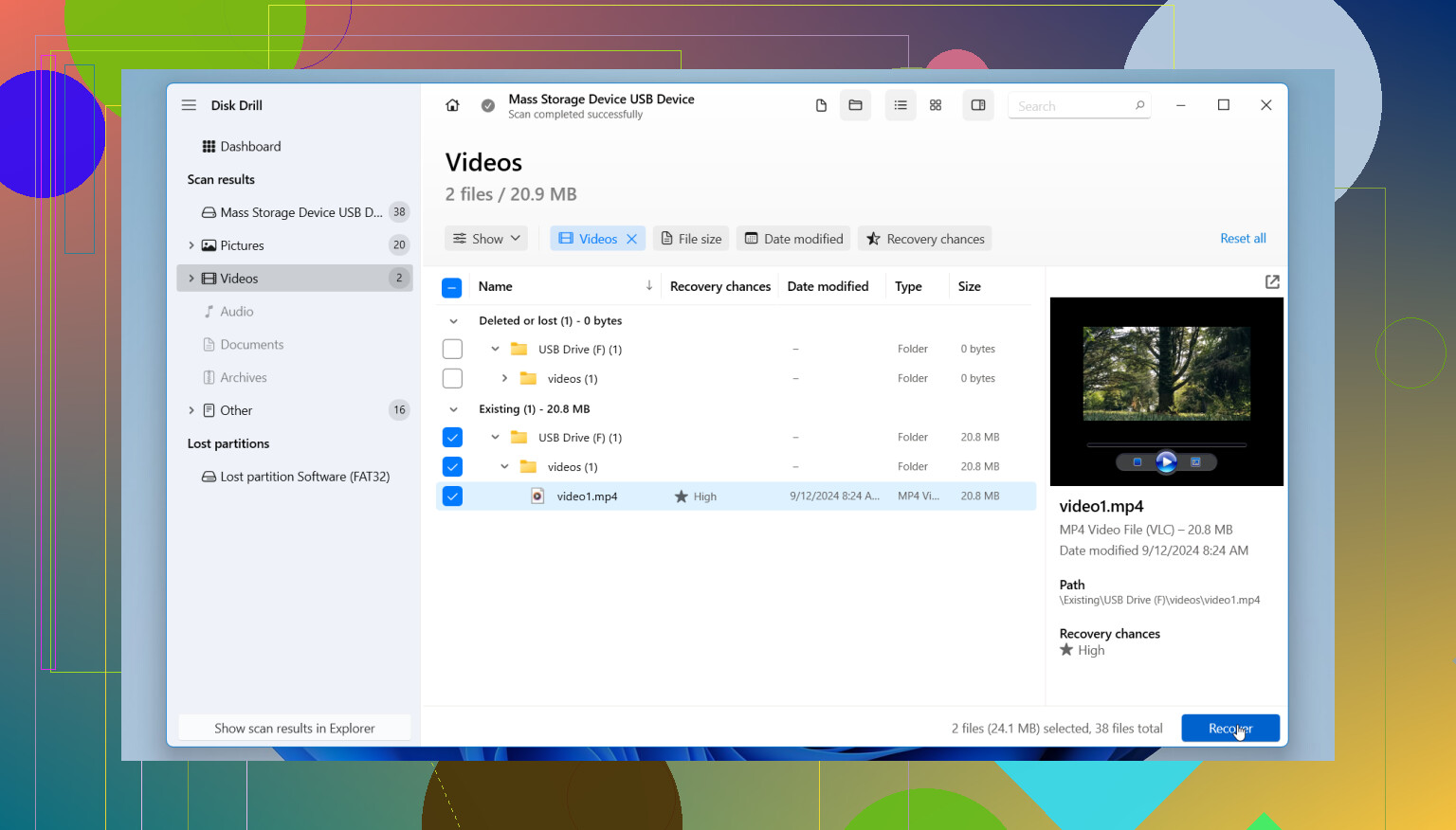
I tried a few of these over time. The one I kept going back to was Disk Drill. What I liked was simple. It dug up files deleted a while ago, not only the easy stuff, and it let me preview files before restoring them. That preview step saved me from recovering junk with the right filename and the wrong content.
The free version scans and previews. Payment comes in when you want to recover. One rule matters here, install it somewhere else. Do not put recovery software on the same drive you're trying to save files from.
Stuff people skip, then regret
- Hard drives usually give you a better shot than SSDs
Old-school HDDs tend to be more forgiving. SSDs are rougher for recovery. Also, some newer hard drives support TRIM, so waiting around is a bad bet. - Bad noises change the whole plan
If the drive is clicking, grinding, or making sounds it never made before, stop there. Software is not the fix. At that point you're looking at a data recovery lab. - One solid scan beats five random ones
I know the urge to rerun scans over and over. I did it once and got almost nothing extra for the time spent. One thorough pass is usually the move.
The short version
If you caught it early, don’t write anything new to the drive, scan it from another machine or another boot device, and recover to a different location. Do those three things and your chances go up a lot.
I’ve seen people recover files after thinking they were gone for good. You need to be careful, not fast in a sloppy way. Fast and clean. That’s the part people mess up.
1 Like
Shift + Delete usually removes the file entry, not the file data right away. On an HDD, recovery odds are often decent if overwrite has not happened yet.
One thing I’d add to what @mikeappsreviewer said, check Volume Shadow Copy and File History before a deep scan. A lot of people skip built-in history and go straight to recovery tools. Right click the parent folder, hit Properties, then Previous Versions. If File History, OneDrive, or backup software was active, you might restore in 30 seconds and avoid a long scan.
Also, if the files were office docs or photos, search temp and autosave locations on another PC session. Word, Excel, Photoshop, and some editors keep copies.
If you need software, Disk Drill is a solid pick for hard drive file recovery after Shift + Delete. Preview first. Recover to a different drive. Not the same one. I agree with most of the advice above, but I’d still do a quick check for built-in backups before running a full scan. Saves time.
One more thing, if the drive is encrypted with BitLocker and got removed from the original system, recovery gets messier fast.
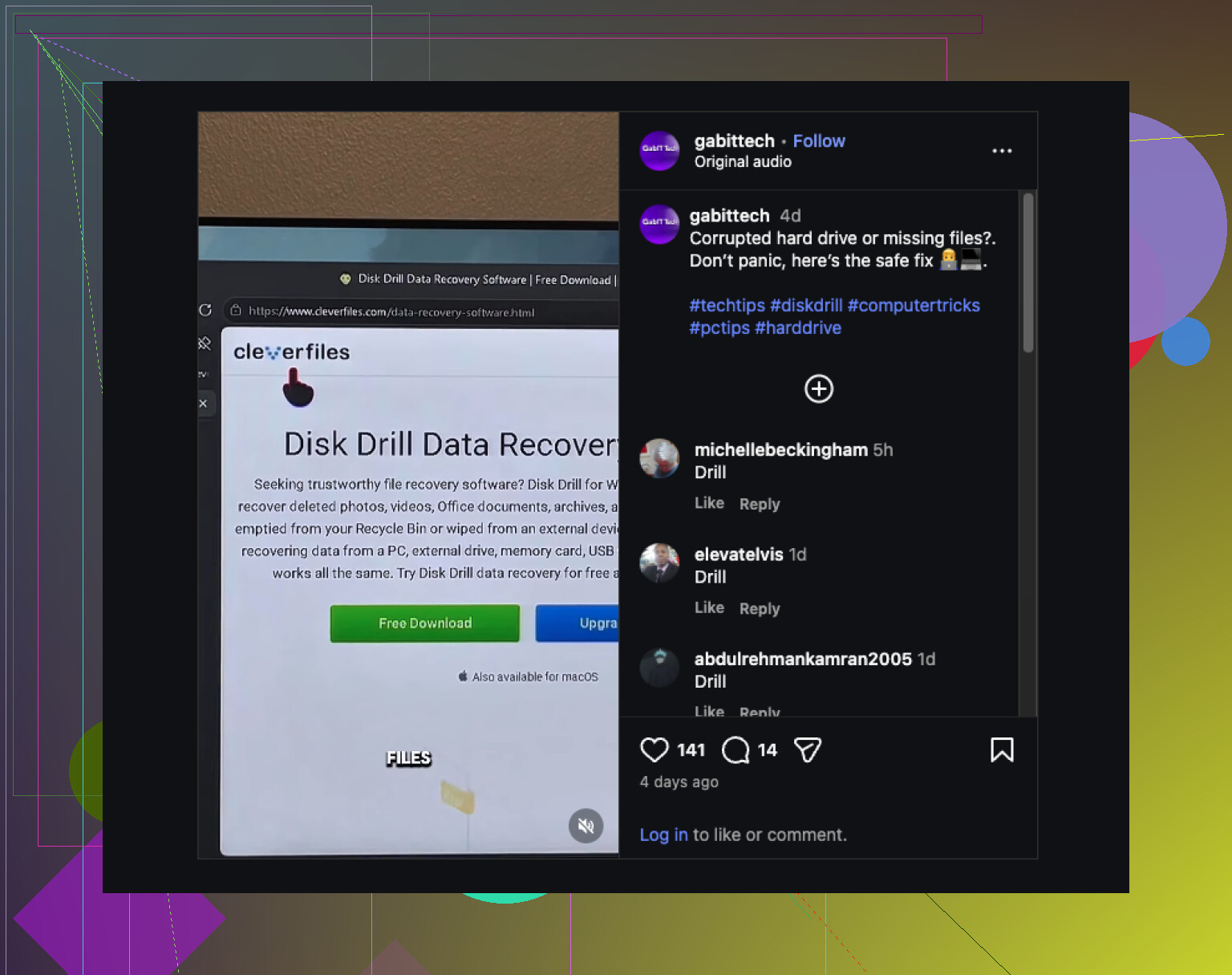
Also saw this short post on hard drive recovery tips after Shift Delete. Short, but decent.
If you share HDD or SSD, Windows version, and file type, people here can be more specific.
One thing I’d push a little differently from @mikeappsreviewer and @suenodelbosque: don’t assume a recovery scan should be your first move every time. If these were recently opened docs, project files, or photos imported through an app, sometimes the fastest win is checking the app’s own recent/cache path first. Not sexy, but it works more often than people think.
A few examples:
- Office apps: look for AutoRecover / unsaved files
- Adobe apps: recent/temp/cache folders
- Browser-downloaded files: recheck default Downloads path and browser history
- OneDrive/Dropbox/Google Drive: web trash/version history, not just Windows
If it really was hard delete on an HDD, then yeah, Disk Drill is a solid recovery tool for deleted files on a hard drive after Shift + Delete. I like it mostly for previewing what’s actually recoverable before wasting time restoring a pile of corrupted junk. But I would avoid “deep scanning everything forever” unless needed. Start narrow if you know the folder and file type. Faster, less messy.
Also, tiny disagree with the “one scan beats five” idea. Sometimes a quick pass first, then a deeper signature scan only if needed, is the better play. Depends on file type tbh.
And if you want more reading, I found this useful thread on external hard drive file recovery tips and discussion.
Big rule still stands: recover to another drive. Not the same one. Thats where people screw it up.
I’d add one thing the replies from @suenodelbosque, @hoshikuzu, and @mikeappsreviewer only touched indirectly: check whether the deleted files were ever indexed or synced. Windows Search index, Outlook attachments cache, Teams/Slack download caches, even Lightroom catalogs can leave recoverable copies or references. Sometimes you do not need “recovery” at all, just the secondary copy the app forgot to clean up.
Also, slight disagreement with the usual “deep scan ASAP” instinct. If the filenames and folder structure matter, start with metadata-based recovery first. Signature scans are great for raw file carving, but they often lose original names and paths, which can turn 5 recovered docs into 500 mystery files.
If you go the software route, Disk Drill is fine for this kind of hard drive recovery after Shift + Delete.
Pros of Disk Drill
- Good preview support
- Friendly UI
- Finds both deleted entries and carved files
- Decent for photos, docs, common formats
Cons
- Deep scans can take forever
- Results can look overwhelming
- Best features are paid
- Raw recovery may return duplicates or unnamed files
One more practical tip: if the deleted files were tiny, stop browsing that drive entirely. Browser cache writes and Windows logs can overwrite small deleted files faster than people expect. Recover to another drive, then verify files actually open, not just that they came back.