I lost the original remote for my Hisense TV, and now I’m trying to figure out if a universal remote will work with it. I need help finding a compatible universal remote for a Hisense TV and how to set it up so I can use all the basic functions again.
I ran into this with a Hisense set at home. The short answer is yes, you’ve got universal remote choices, but the part people skip is the TV system. Hisense sells models with different software, and remote support follows the software, not the logo on the bezel.
What I saw across these TVs:
Roku TV models usually work with Roku-compatible remotes and phone apps.
Fire TV models follow the Fire TV ecosystem.
Google TV and Android TV sets lean on Google’s remote tools.
VIDAA is its own thing, and support from third-party remote apps gets spotty fast.
So if your Hisense TV uses Roku TV or Fire TV, a phone remote is often the easiest route. I’ve done this when the original remote vanished into the couch void, and setup was quicker than buying another physical remote.
For iPhone, one option is TVRem. From what I saw, it works fine with Fire TV and Roku-based sets. You get the usual buttons for moving around menus, volume, and playback. There’s also a keyboard, which saves time when you need to type a password or search term, and it finds devices over Wi-Fi without much fuss.
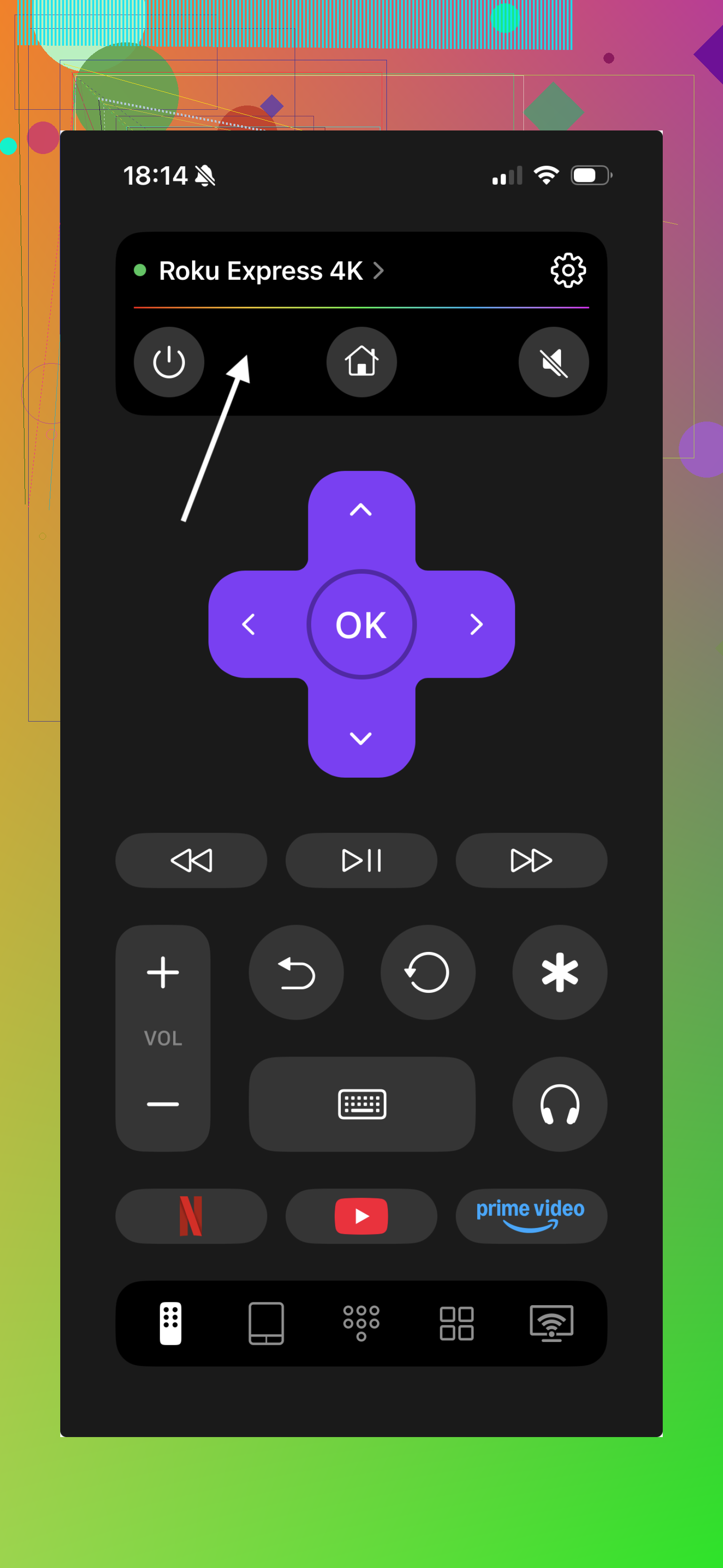

If you’re on Android, I’d keep it simple and match the app to the TV platform:
Roku TV: use the official Roku app
Fire TV: use the Amazon Fire TV app
Google TV or Android TV: use the Google TV app
If you don’t know which Hisense system you have, check the TV settings menu first. I had to do this once because the model name told me almost nothing. Look for Roku TV, Fire TV, Google TV, Android TV, or VIDAA. That single detail tells you whether a remote app will connect or fail.
My take after trying a few of these: if your Hisense runs Fire TV or Roku, a phone remote is usually the cheapest and least annoying universal option, especially something like TVRem on iPhone.
If the TV runs VIDAA, I’d stick with the official Hisense remote app. Third-party support there feels inconsistent, and I wouldn’t count on full control from a random universal remote app.
1 Like
Yes. A universal remote works with most Hisense TVs. The easier path is a physical IR remote, not always a phone app. I slightly disagree with @mikeappsreviewer there, because Wi-Fi remotes fail if your TV got reset or dropped off the network.
What to buy:
- GE Universal Remote
- Philips Universal Remote
- One For All URC series
- A Hisense replacement remote made for your exact model
Best bet if you want fewer headaches, buy a Hisense-specific replacement. Search your TV model number on the back label. Match the remote to it.
If you want a true universal remote, check for Hisense codes in the manual. Common setup is:
- Put batteries in.
- Turn on the TV with the power button on the set.
- Hold Setup until the light stays on.
- Press TV.
- Enter the Hisense code from the remote manual.
- Test power, volume, input, and menu.
If one code fails, try the next. Some cheap remotes do power only, which is annoyng.
If your TV is a smart Hisense with Roku or Fire TV, some universal remotes still miss home or voice buttons. Tha’ts why model-specific remotes tend to work better.
Yes, probably. But I’d add one thing neither @mikeappsreviewer nor @waldgeist really leaned on enough: check whether your Hisense uses Bluetooth for the original remote. That matters more than people think.
A lot of universal remotes will handle basic IR commands like power, volume, input, and menu. The catch is some smart features might not work right, especially on Roku, Fire TV, or Google TV variants. Home, settings shortcuts, voice, and pairing-only functions can get messy fast.
What I’d do:
- Look at the sticker on the back of the TV for the exact model number.
- Search that model plus “replacement remote” first.
- If you want universal, make sure it specifically lists Hisense support, not just “works with most TVs” marketing nonsense.
- If your TV has a physical joystick or button under the screen, use that to get into settings if needed.
One small disagreement with the “just get a universal” approach: super cheap universal remotes are hit or miss with Hisense menus. Sometimes they technically work, but using them is a pain in the ass.
Best options in practice:
- Exact Hisense replacement remote
- Higher-end universal remote with smart TV support
- HDMI-CEC through a Roku, Fire Stick, Apple TV, or game console remote
That last one gets overlooked a lot. If you already use a streaming box, enabling CEC can let that remote control the TV’s power and volume too. Kinda the lazy workaround, but it works surprsingly well.